Job Tracking

March 22, 2026

CONTRACTOR JOB TRACKING APP

Visual tools built for the field

Videos Annotations Checklists Job Galleries
Videos
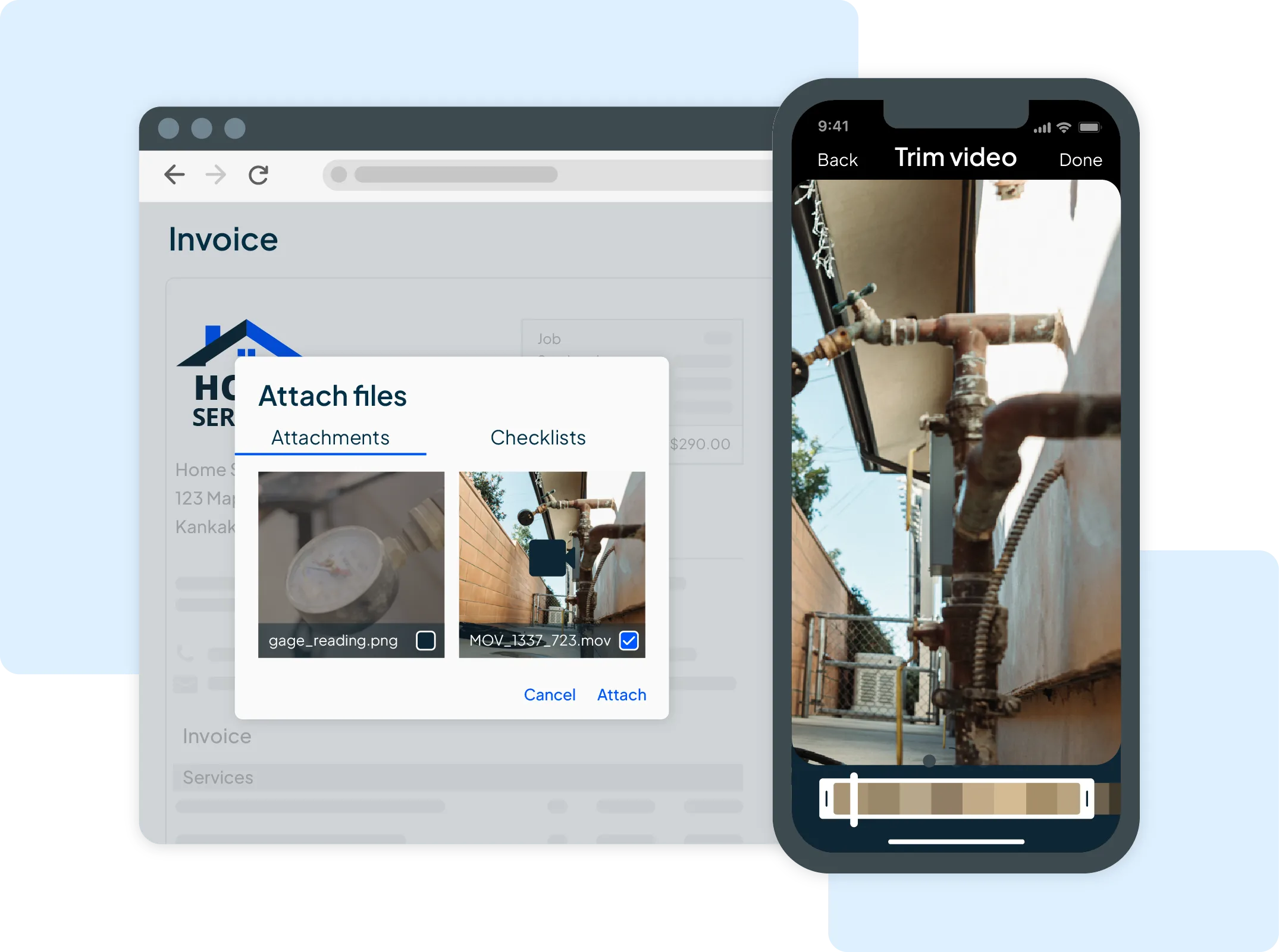
Gauge reading photo with trim video editing screen inside of HCP Cam

Better than a thousand words

Skip long texts and confusing calls. Show what’s happening in seconds—right from the jobsite.

  • Record 60-second videos without leaving the app.

  • Trim clips before sending to control what’s shared.

  • Share with your customers or crew in just a few taps.
Annotations

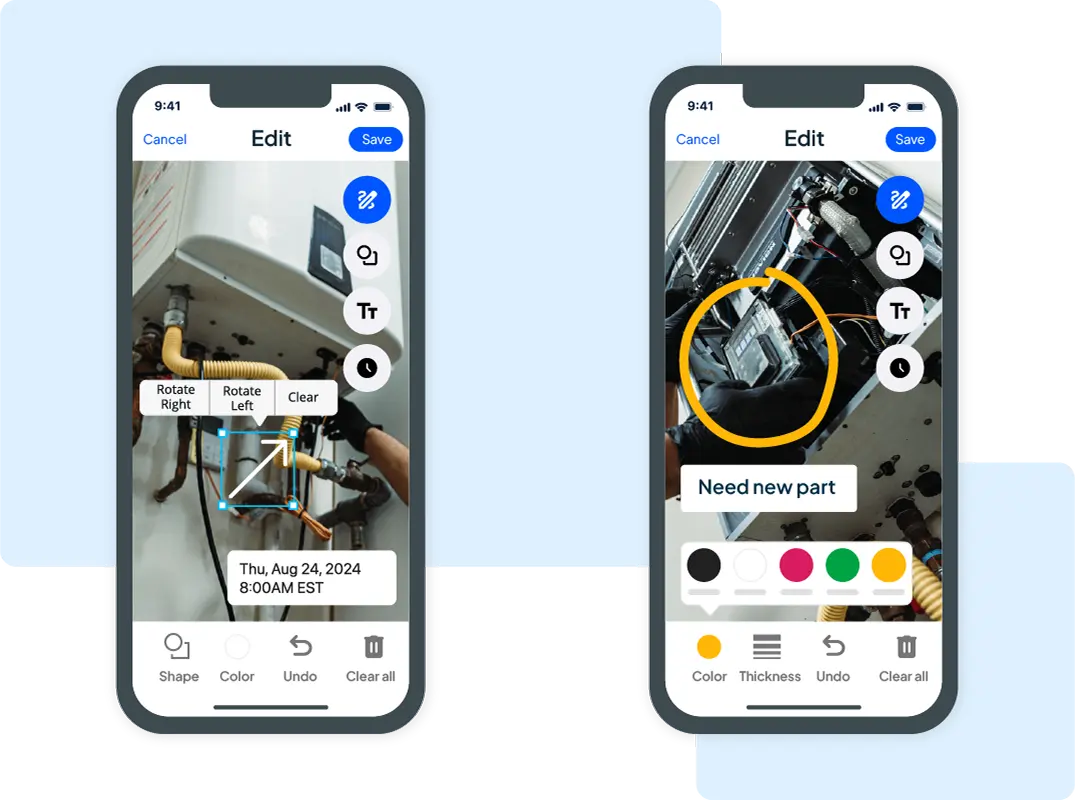
Highlight what matters

Turn every photo into a clear visual record. Mark up what’s done—or what still needs attention.

  • Add arrows, shapes, and text annotations directly on photos.

  • Timestamp images to show when work was completed.

  • Make it easy for customers to see and understand the job.

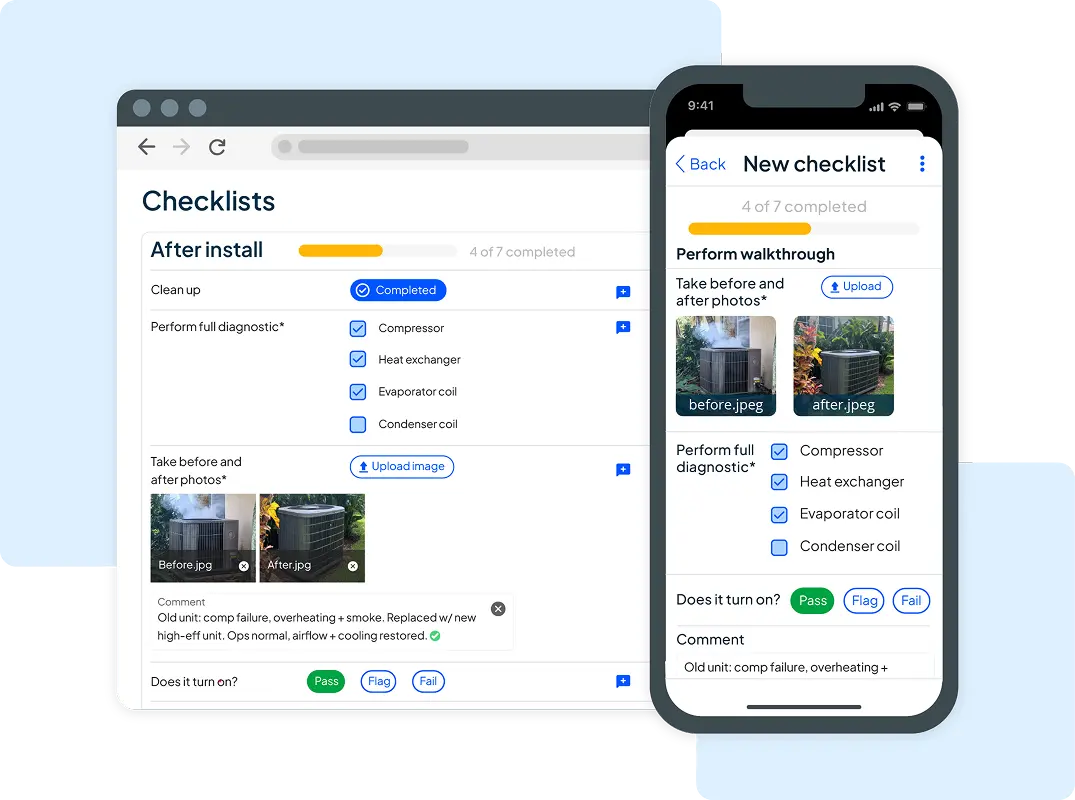
Checklists

Keep jobs on track

Give your crew clear steps and let customers track progress in real time with Checklists.

  • Structure every job with dropdowns, checkboxes, pass/fail flags, and required steps.

  • Limit tasks to one requirement or let techs choose multiple options.

  • Add photos or videos to document work as you go.

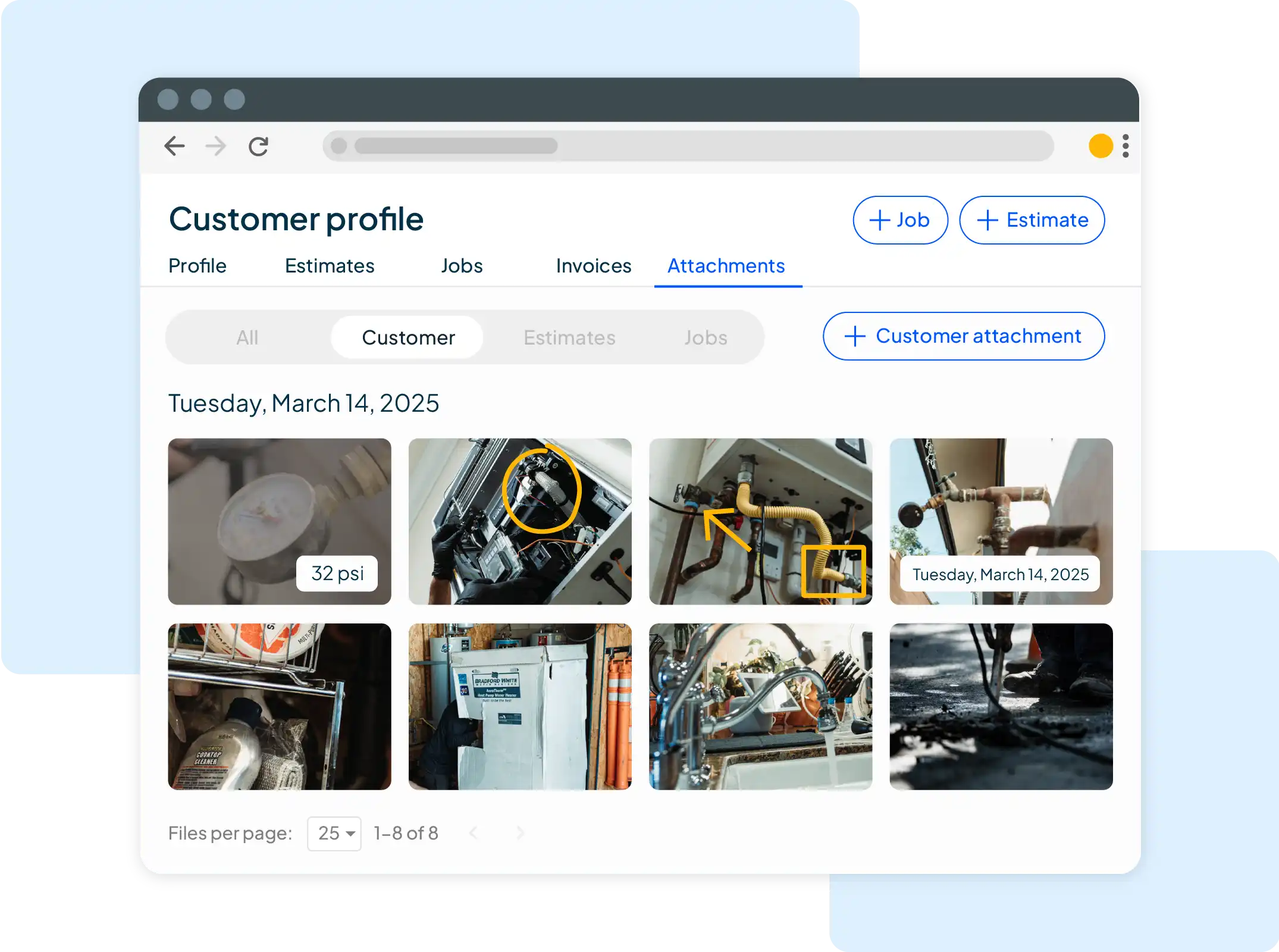
Job Galleries
HCP Cam desktop screen of 8 HVAC image grid job gallery

Showcase what sets you apart

Keep a clear, organized record of all your work, start to finish, with detailed job galleries.

  • View every photo, video, and document by job or customer.

  • Share polished galleries that earn loyalty and referrals.

  • Stand out with clear, professional documentation.

Apply on company site

How well do you match this role?

Check My Resume